
How to Present Without Reading Slides: A Speaker's Guide
What Is Slide-Free Presenting?
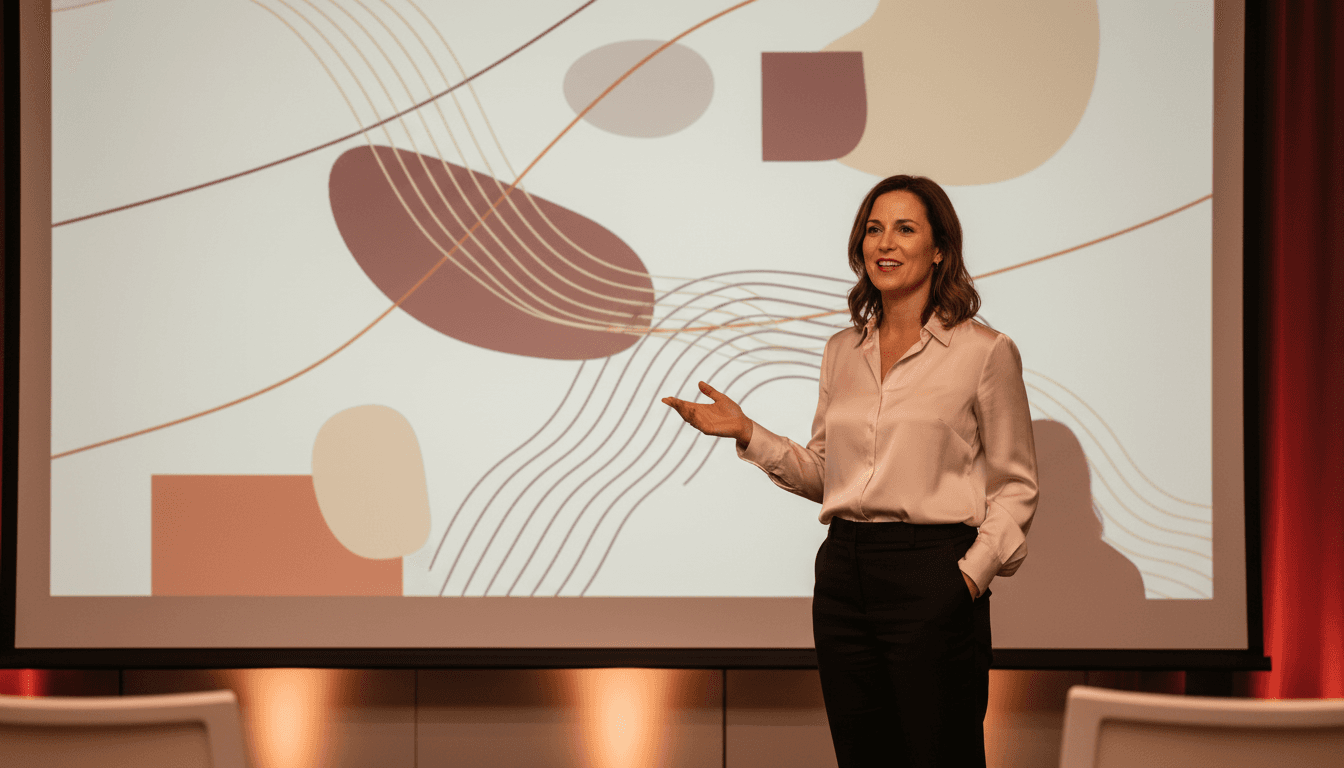
Slide-free presenting is the practice of delivering a presentation where you speak from knowledge and narrative structure rather than reading text from your slides. It doesn't mean abandoning slides altogether — it means using them as visual reinforcement while you carry the message with your voice, body language, and authority.
This approach transforms slides from a crutch into a tool. Instead of being a teleprompter you read from, each slide becomes a backdrop that amplifies what you're already saying. The result: you look more prepared, more credible, and more in command of the room.
According to research published by the International Journal of Business Communication, audiences retain up to 50% more information when speakers use visual aids as supplements rather than reading directly from text-heavy slides (Garner & Alley, 2013).
Why Reading Slides Destroys Your Credibility
It Signals a Lack of Preparation

When you turn your back to the audience and read from a slide, you send an unmistakable message: you don't know your own material. Even if you spent weeks preparing, the act of reading erases that perception instantly. Audiences form judgments about speaker competence within the first 30 seconds, according to research from Princeton psychologist Alexander Todorov.
Think about the last time you watched someone read a slide deck line by line. Did you feel engaged? Or did you start checking your phone? Your audience is doing the same thing when you read.
It Breaks Eye Contact and Connection
Eye contact is one of the most powerful tools for building trust during a presentation. When you're locked onto a screen, you can't read the room. You miss the confused frown from your VP. You miss the nod of agreement from a potential ally.
A study from the Quantified Communications research team found that speakers who maintained eye contact at least 60-70% of the time were rated significantly higher on competence, trustworthiness, and likability. Reading slides drops that number to nearly zero.
It Flattens Your Vocal Authority
Reading produces a monotone delivery. Your voice loses its natural rhythm, pitch variation, and emphasis. Instead of sounding like a leader sharing a vision, you sound like someone narrating a document they could have emailed.
If you've been working on sounding more authoritative in professional settings, reading your slides will undercut every vocal technique you've learned. Authority lives in how you speak, not in what's written on the screen behind you.
The Narrative Anchoring Method: A Framework for Slide-Free Delivery
Step 1: Build a Story Spine, Not a Script
Instead of writing out every word you plan to say, create a story spine — a sequence of 3-5 core ideas connected by a logical thread. Each idea becomes an anchor point in your presentation.
Here's how it works in practice. Say you're presenting a quarterly marketing update to senior leadership. Your story spine might be:
- Where we started (Q3 baseline metrics)
- What we changed (new channel strategy)
- What happened (results and surprises)
- What it means (implications for Q1 planning)
- What we need (resource ask)
Each of these becomes one section of your talk. You don't memorize sentences — you memorize the sequence and the key data points within each anchor.
Step 2: Design Slides as Visual Triggers
Once your story spine is set, design slides that trigger your memory rather than replace it. Each slide should contain one image, one chart, or one phrase — never a paragraph.
For example, instead of a slide that reads: "Our email open rates increased by 23% after we segmented our list by buyer persona and implemented personalized subject lines in September," use a single bar chart showing the 23% increase with the label "Segmented Email Impact."
When you see that chart, you'll naturally explain the story behind it because you built the narrative first and the slide second. This is also a core principle when presenting ideas to senior management — executives want insight, not text walls.
Step 3: Practice in Chunks, Not Full Runs
Most people practice by running through their entire presentation start to finish. This is inefficient and builds fragile memory — if you lose your place, you have to start over.
Instead, practice in chunks. Spend five minutes on just the opening. Then five minutes on the data section. Then five minutes on the close. Randomize the order. This builds flexible recall, so even if someone interrupts you with a question mid-slide, you can pick up seamlessly.
Research from cognitive psychologist Dr. Robert Bjork at UCLA confirms that interleaved practice — mixing up the order of what you rehearse — produces stronger long-term retention than blocked, sequential practice.
Slide Design Principles That Free You From Reading
The One-Idea-Per-Slide Rule

If a slide contains more than one idea, you'll feel compelled to read it to make sure you cover everything. Limit each slide to a single concept, data point, or visual. This forces clarity in your thinking and simplicity in your delivery.
Guy Kawasaki's famous 10-20-30 rule is a useful guardrail: no more than 10 slides, no longer than 20 minutes, and no font smaller than 30 points. When your font is that large, you physically cannot fit a script on the slide.
Use Images That Evoke, Not Explain
A photograph of a team collaborating does more emotional work than a bullet list about "cross-functional alignment." Images activate different parts of the brain than text, which means your audience processes the visual while simultaneously listening to you — instead of choosing between reading and listening.
According to molecular biologist Dr. John Medina, author of Brain Rules, people recall 65% of visual information three days later compared to only 10% of text-based information. Let your slides handle the visual memory; you handle the verbal narrative.
Strategic Use of Blank Slides
This is a technique most presenters never consider: insert a blank (black) slide at key moments. When the screen goes dark, all attention shifts to you. Use blank slides before your most important point, during a story, or when you want the audience to reflect.
It's a power move. It says, "I don't need slides to hold your attention." This kind of leadership presence is what separates forgettable presenters from memorable ones.
How to Internalize Content Without Memorizing
The Teach-It-Back Technique
The fastest way to internalize a presentation is to explain it to someone who knows nothing about the topic — a partner, a friend, even a voice memo on your phone. If you can explain your key points without any slides in front of you, you're ready.
This works because teaching forces you to process information at a deeper level than reading or reviewing. You have to translate jargon into plain language, fill logical gaps, and find your own words. That's exactly what you'll do on stage.
Create a One-Page Cheat Sheet
Write a single page with your story spine, key transitions, and any exact numbers or quotes you need to reference. Bring it to the podium or keep it on the table. Glancing at a one-page reference is vastly different from reading a slide — it's what experienced speakers do, and audiences respect it.
Your cheat sheet might look like this:
- Open: Client story — "Maria's team, 40% turnover"
- Problem: Industry avg. retention = 72%. Our clients = 91%.
- Solution: Three-phase framework (slide 4-6)
- Proof: Case study numbers — $2.1M saved, 6 months
- Close: "What would 91% retention mean for your team?"
Rehearse With Disruptions
Practice with intentional interruptions. Have a colleague ask a question mid-flow. Skip a slide. Start from the middle. This builds the kind of adaptive fluency that makes you unshakeable during the real presentation.
This is especially critical if you tend to get nervous before high-stakes talks. Combine disruption rehearsal with the strategies in our guide on how to calm nerves before a presentation for a comprehensive preparation system.
Delivery Techniques for Natural, Authoritative Speaking
Pause Instead of Filling
When you stop reading slides, you'll encounter moments where you need a beat to gather your next thought. Most speakers fill that space with "um," "uh," or "so basically." Instead, pause. A deliberate two-second pause signals confidence and gives your audience time to absorb what you just said.
If filler words are a persistent challenge, our guide on how to stop using filler words in professional speaking offers a systematic approach to eliminating them.
Anchor Your Body Language
Without slides to hide behind, your body language becomes your primary visual. Stand with feet shoulder-width apart. Use open hand gestures at waist height. Move with purpose — step toward the audience when making a key point, step to the side when transitioning topics.
A study by Amy Cuddy and colleagues at Harvard Business School found that expansive, open body postures increase both the speaker's own confidence hormones and the audience's perception of the speaker's authority. Your physicality reinforces your message.
Speak to Individuals, Not the Room
Instead of scanning the audience vaguely, pick one person and deliver a complete thought to them. Then move to another person for the next thought. This creates the feeling of a genuine conversation rather than a broadcast, and it forces you to maintain the eye contact that reading slides makes impossible.
This technique works whether you're in a boardroom with six people or an auditorium with six hundred. It's one of the most effective ways to speak with confidence in meetings and larger settings alike.
Build Unshakeable Presentation Authority If you're ready to go beyond tips and build a complete system for commanding credibility in every professional interaction, The Credibility Code gives you the frameworks, scripts, and practice methods to make it happen. Discover The Credibility Code
What to Do When Things Go Wrong
You Lose Your Place
It happens to every speaker. If you blank on what comes next, don't panic and don't turn to read the slide. Instead, pause, take a breath, and glance at your cheat sheet or click to the next slide. The visual trigger will bring you back. Audiences rarely notice a two-second pause — it feels much longer to you than it does to them.
If a presentation does go sideways, knowing how to recover from a bad presentation at work can help you bounce back with your credibility intact.
Someone Asks a Question You Didn't Prepare For
This is where narrative-based preparation outperforms script-based preparation. Because you understand the why behind each point — not just the words — you can adapt. Acknowledge the question, connect it to your core narrative, and answer from understanding rather than from a memorized paragraph.
The Technology Fails
If your slides crash, a narrative-anchored speaker can keep going. A slide-dependent speaker cannot. This alone is reason enough to internalize your content. The best speakers in the world — from TED stages to boardrooms — could deliver their talk with zero slides if forced to. That's the standard to aim for.
Frequently Asked Questions
How do I present without reading slides if I have a lot of data?
Put the detailed data in a handout or appendix document, and feature only the headline numbers on your slides. During the presentation, speak to the story the data tells — the trend, the surprise, the implication — rather than reading every figure. Reference the handout for anyone who wants the granular detail afterward.
Is it okay to use speaker notes during a presentation?
Yes, but use them as a safety net, not a script. Keep speaker notes to 3-5 bullet points per slide with keywords only. Glancing at brief notes is professional and expected. Reading full paragraphs from the notes panel is functionally the same as reading slides and undermines your credibility equally.
How long does it take to prepare a presentation without reading slides?
Plan for roughly 1 hour of preparation per 5 minutes of presentation time. This includes building your story spine, designing minimal slides, and practicing in chunks. While this is more upfront effort than copying paragraphs onto slides, the result is a dramatically more effective and credible delivery.
Presenting without slides vs. presenting without reading slides — what's the difference?
Presenting without slides means delivering a talk with no visual aids at all — pure speaking. Presenting without reading slides means you still use slides, but as visual support rather than a script. For most professional settings, the latter approach is ideal: you get the reinforcement of visuals while maintaining the authority of a speaker who clearly knows their material.
How can introverts present without reading slides?
Introverts often excel at this because they tend to prepare more thoroughly. Focus on the Narrative Anchoring Method — deep preparation and chunked practice reduce the cognitive load during delivery. Introverts can also leverage the "speak to individuals" technique, which feels more like a series of one-on-one conversations than a performance. For more strategies, see our guide on speaking up in meetings as an introvert.
What's the best way to practice presenting without reading?
Record yourself on your phone delivering each section of your talk without looking at slides. Watch the recording once — you'll immediately see where you're fluent and where you stumble. Re-practice only the weak sections. Three rounds of this targeted rehearsal is more effective than ten full run-throughs.
Speak So the Room Takes You Seriously
The Credibility Code covers the verbal patterns that make presenters sound authoritative, and the ones that make audiences tune out.
Discover The Credibility CodeRelated Articles

How to Stop Rushing When Presenting: 6 Pro Fixes
You rush through presentations because your nervous system interprets public speaking as a threat, triggering a fight-or-flight response that accelerates your heart rate, breathing, and speech. To stop rushing when presenting, use these six proven fixes: breath anchoring before and during your talk, strategic pausing at key transitions, chunking your content into digestible segments, audience-focused eye contact to regulate pace, mental rehearsal at half-speed, and physical grounding techniques.
How to Speak With Authority in Presentations
To speak with authority in presentations, focus on five core areas: slow your speaking pace to 130–150 words per minute, use downward vocal inflections at the end of statements, structure your content with a clear "claim-evidence-action" framework, adopt grounded body language with planted feet and purposeful gestures, and eliminate hedging language like "I think" or "sort of." Authority isn't about volume—it's about vocal control, structural clarity, and unwavering conviction in your message.

How to Sound Confident in a Presentation: 9 Proven Tactics
To sound confident in a presentation, focus on three pillars: vocal delivery, verbal precision, and structural clarity. Slow your speaking pace to 130–150 words per minute, use strategic pauses instead of filler words, replace hedging language ("I think maybe…") with power phrases ("The data shows…"), and open with your strongest point. Confidence isn't about feeling fearless — it's about controlling the signals your audience receives.